
PowerAdSpy
Get An Edge Over Your Competitors
Access the Largest Google Ads Library bg-partfor Unrivaled Competitor Intelligence with PowerAdSpy
Try Now!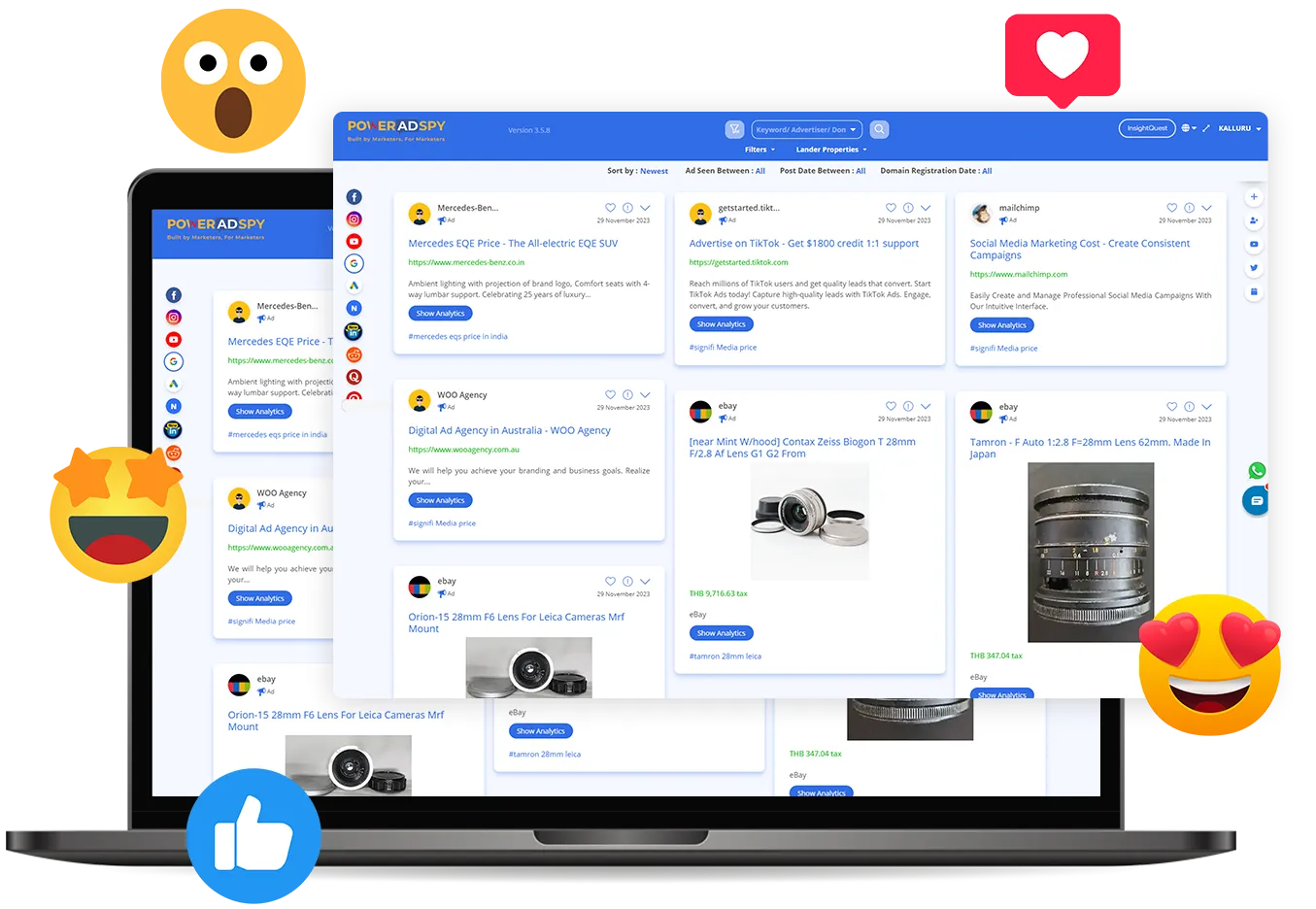
Discover the Power of Endless Data
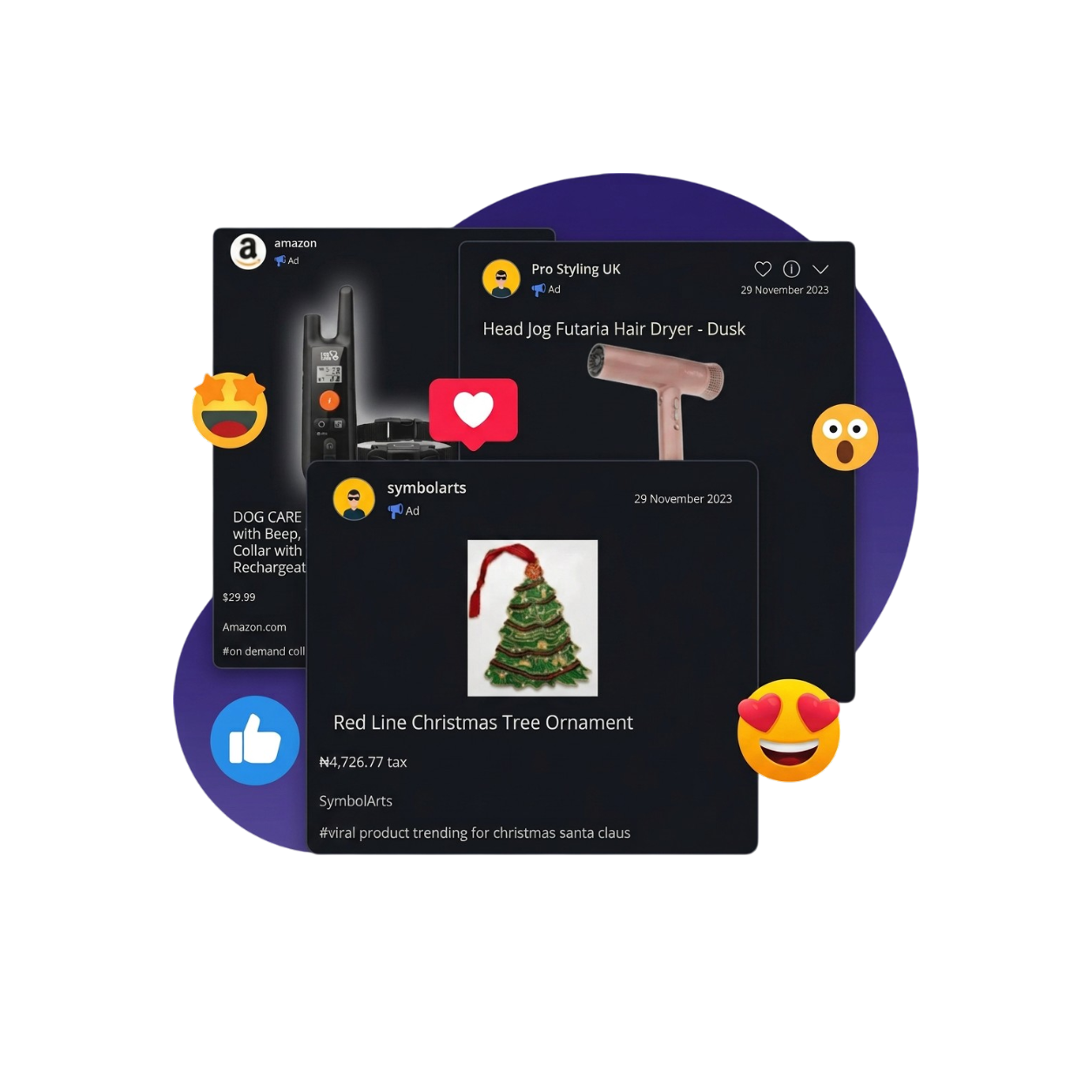
PowerAdSpy boasts an All-in-one Ad Intelligence Tool with access to the world’s most extensive Google Ad Library.
This resource empowers users to glean comprehensive insights into any active advertisement on the respective platform, providing invaluable data and analytics for informed advertising strategies.
Master Winning Ad Strategies With Google Ad Insights
Analyzed
Supported
Data Updates
Historical Ad Data
How PowerAdSpy Works?
3 easy steps and you are there
- Enter your dashboard and click on Google icon
- Apply filters of your choice ( Domain, Advertisers, Keywords, etc)
- View and analyze active and past campaigns and its analytics (country, lander, images, trends, placements)
Copy and implement winning ad formats and let the traffic in.
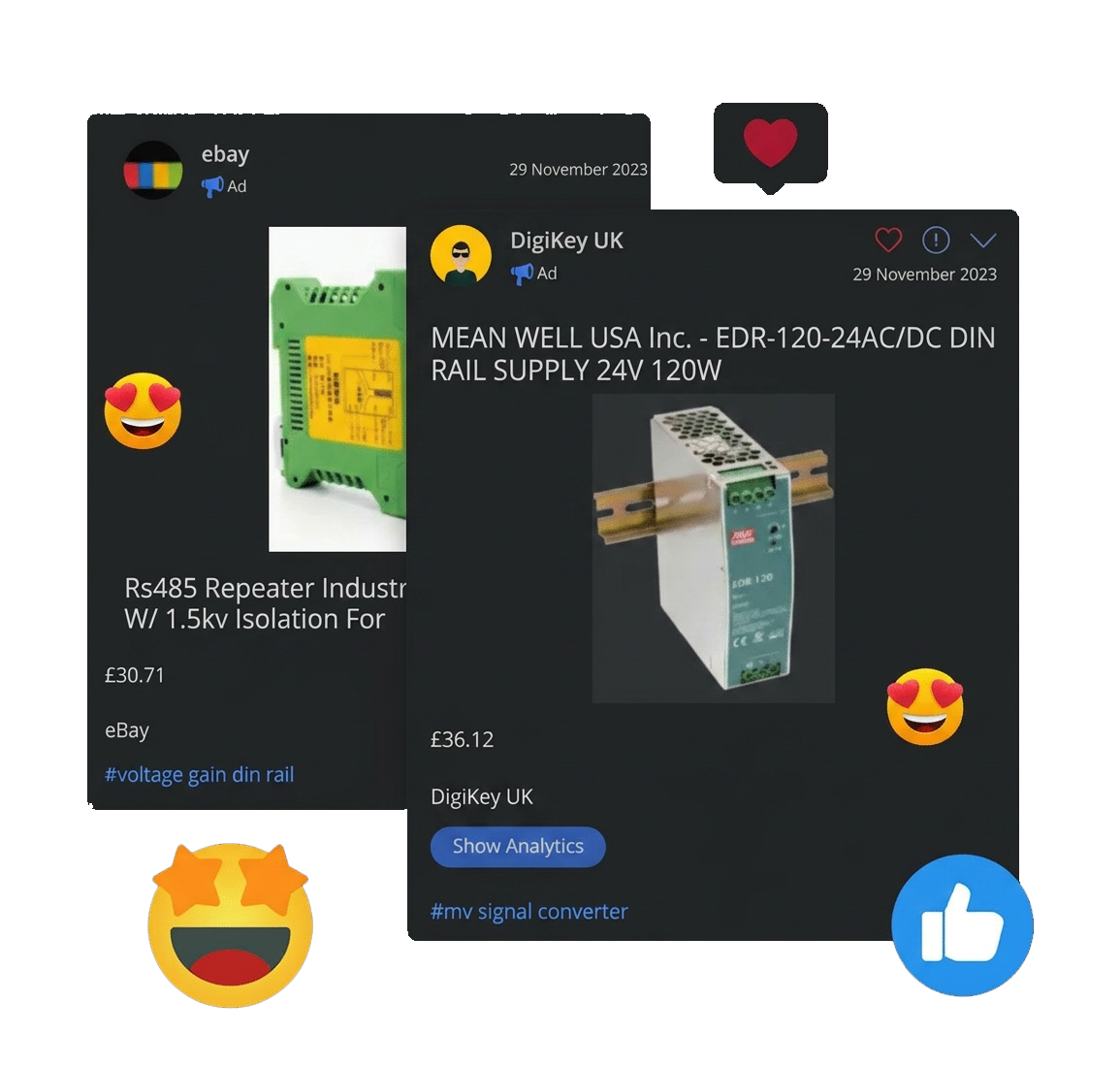
PowerAdSpy Google Ad Library
Explore, analyze, and optimize Google ads effortlessly with advanced insights and comprehensive data
Comprehensive Database
Huge collection of Google ad databases from 100+ countries.
User Friendly Dashboard
Easy-to-use dashboard for accurate ad search.
Niche Based Search
Find relevant ads using niche keywords, advertisers & domains.
AI-Based Filters
Narrow down search results via specific country, ad type, & ad placement filters.
Date Wise Results
Search ads based on the date to find the latest and longest-running campaigns.
Bookmark Ads
Save your favorite Google ads to add them to your personalized ad inventory
Lander Properties
Find ads from targeted e-commerce platforms, marketing channels, and funnels.
Competitive Ad Analytics
Comprehensive reports to uncover lander, ranking details, & targeted hashtags.
Ready to get started?
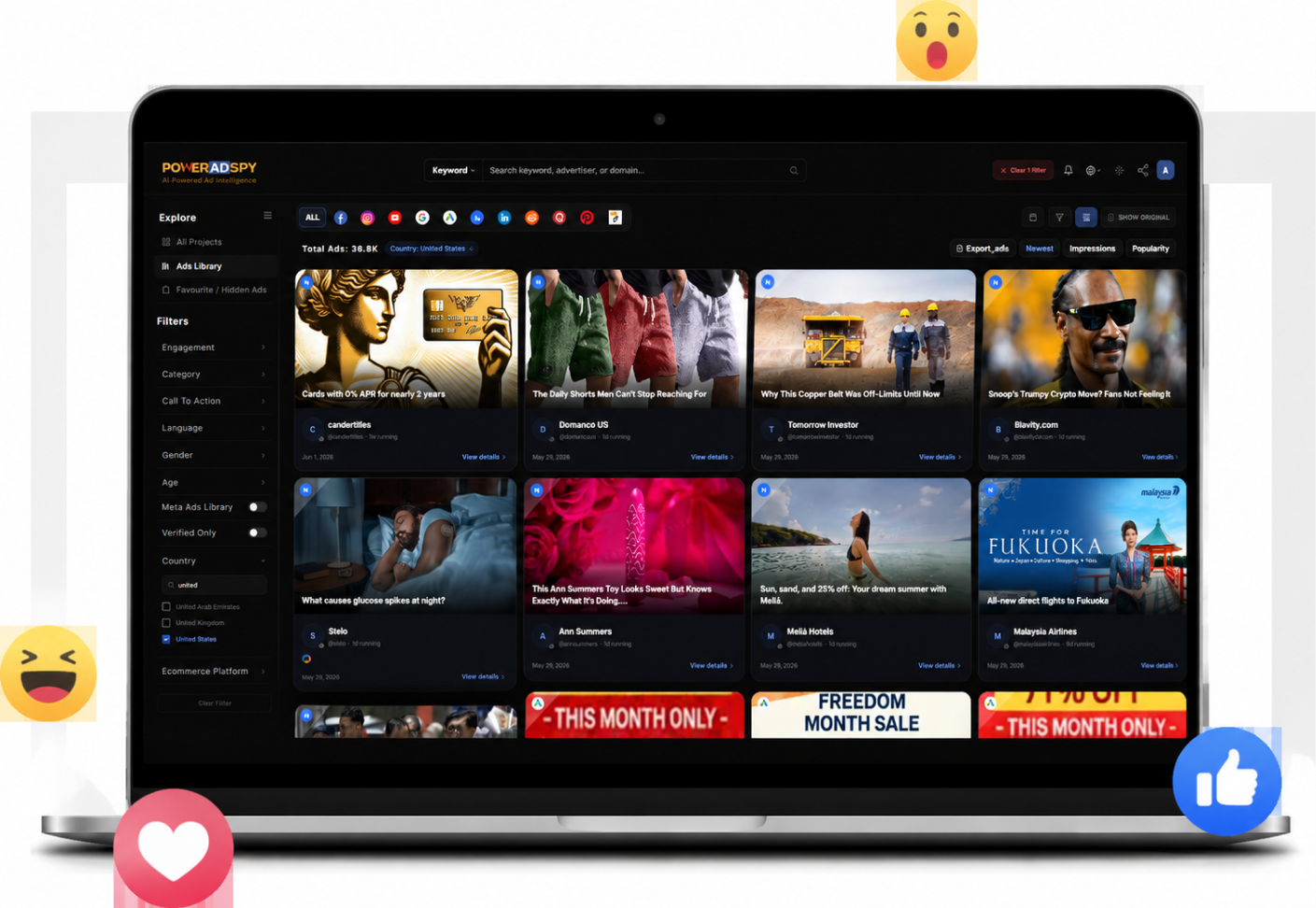
Explore the Google Ad Library, and get a comprehensive, searchable collection of all search and display ads.
Claim Your Free Searches Now
Get Unique Inspiration For Your Next Ad Campaign
Sign Up Now!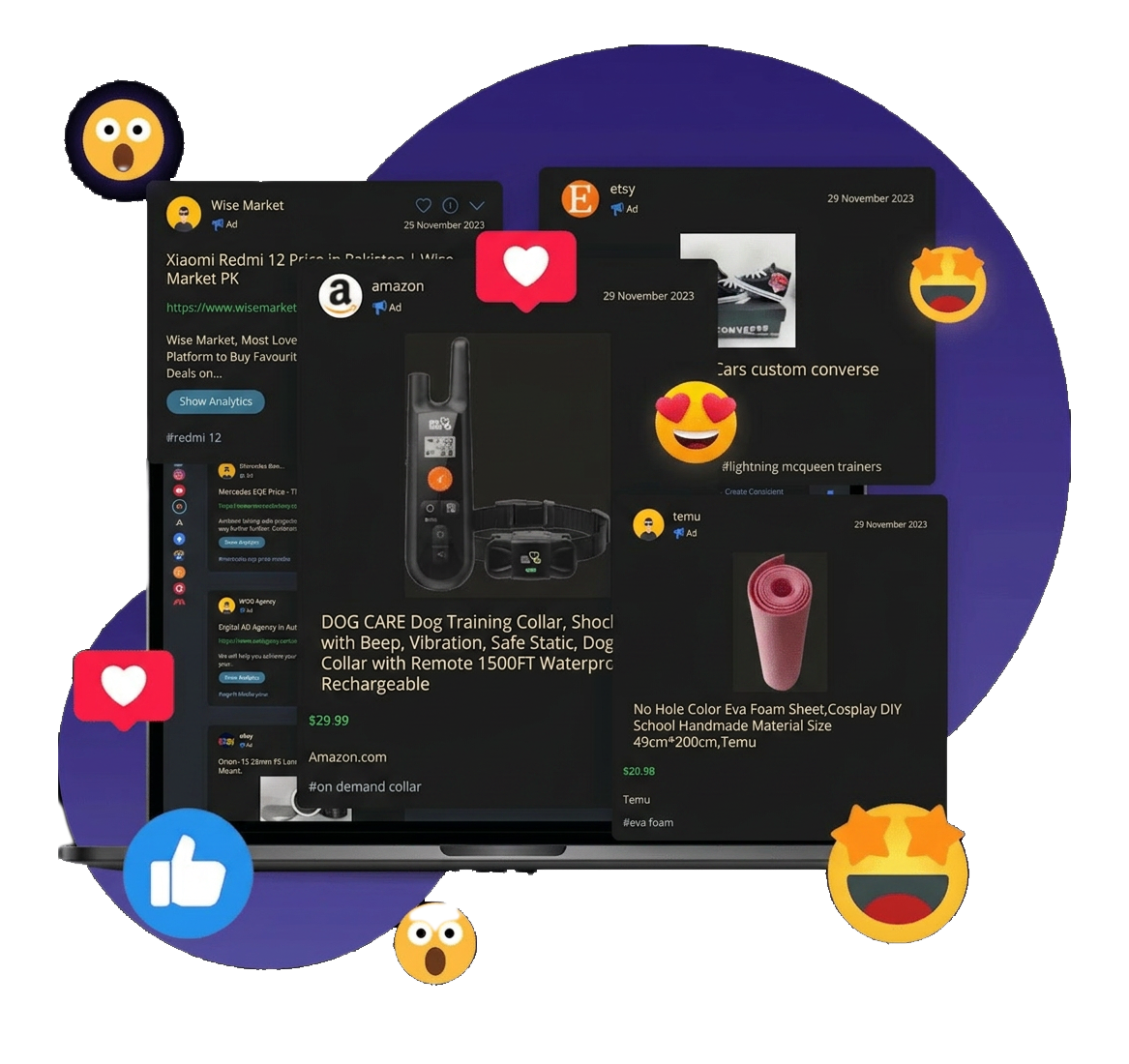
FAQs
Q.01What is PowerAdSpy Google Ad Library, and how do I search Google Ads on it?
Using PowerAdSpy’s Google Ad Library you can explore and analyze ads running on Google and its related platforms.
To search for Google Ads within PowerAdSpy, simply access your dashboard and click on the Google Ads icon. This will grant you access to a wealth of information on Google Ads, helping you stay informed and make data-driven decisions for your advertising campaigns.
Q.02Do I need to have a Google Ad account to use Google Ad Library on PowerAdSpy?
No, you do not need a Google Ad account to use PowerAdSpy’s Ad Library. PowerAdSpy provides access to a database of Google Ads independently, allowing users to explore and analyze advertisements without requiring a Google Ad account.
Q.03What kind of ads can I search on the PowerAdSpy Google Ad Library?
You can search for both text and image-displaying ads using PowerAdSpy. This comprehensive library covers both search ads and display ads to provide you with valuable insights for you
Q.04How long does it take for ads to appear in the library?
Ads will appear in the library within 24 hours after getting posted. Any modifications or additions to an ad will also be reflected in the Ad Library within 24 hours.